Properties
Extend your contacts with custom fields for personalized messaging and precise filtering.
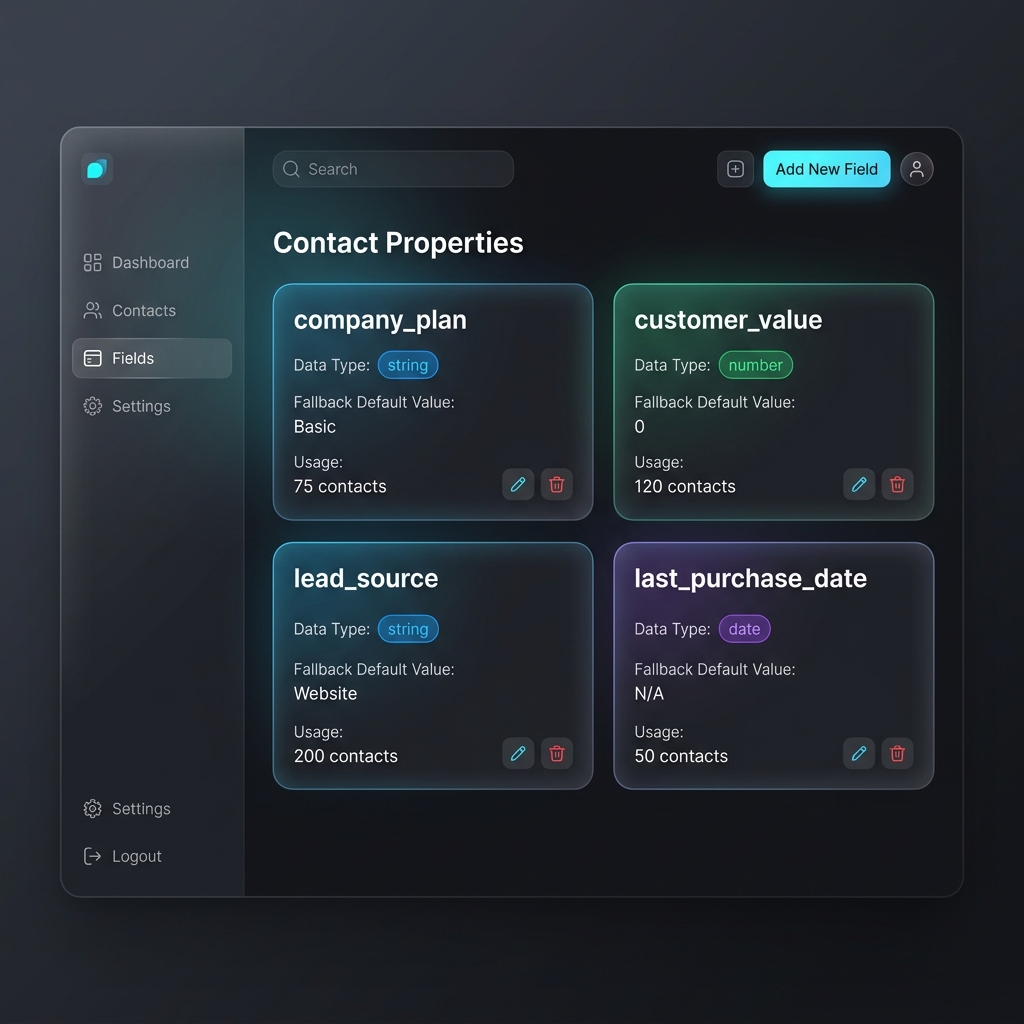
Properties are custom fields attached to contact records in Reloop. By defining custom properties, you can store structured data points (such as subscription tiers, sign-up sources, account age, or user preferences) and use them to personalize emails and filter contacts.
Key Concepts
- Supported Types: Custom properties can be created as either a String (free-form text, e.g.,
"enterprise") or a Number (integer/decimal, e.g.,42). - Default Values: Optional fallbacks used during email template compilation when a specific contact does not have a value populated for that property.
Dashboard Usage
You can define and manage custom properties directly inside the Reloop Dashboard.
1. Creating a Custom Property
- Navigate to Contacts in the sidebar and click on the Properties tab.
- Click the Add Property button.
- Configure the fields:
- Name: The identifier for the custom property. Naming must follow these validation rules:
- Only letters, numbers, and underscores are allowed.
- The name must start with a letter or underscore.
- Spaces will be automatically converted to underscores.
- Type: Select String or Number.
- Default Value (Optional): Provide a fallback value. If the type is Number, the fallback must be a valid numeric value.
- Name: The identifier for the custom property. Naming must follow these validation rules:
- Click Add Property to save.
2. Deleting a Custom Property
- In the Properties list view, locate the property you wish to remove.
- Select the dropdown menu options on the property row, and click Delete.
- Confirming deletion will remove the property schema. Existing contacts will retain their raw key-value values, but the field will no longer be managed globally.
API Reference
Use the Contact Properties API to programmatically manage custom properties schemas.
Was this page helpful?