A comprehensive, practical guide to warming new sending IP addresses, with an exact week-by-week volume ramp schedule, recipient segmentation strategy, throttle limits, and deliverability monitoring.
Sending high-volume email traffic from a cold, un-warmed IP address is the single fastest way to get throttled, deferred, or permanently blacklisted by mailbox providers.
When an Internet Service Provider (such as Gmail, Microsoft 365, or Yahoo) detects sudden spikes of outbound email originating from an unfamiliar IP address, anti-abuse algorithms immediately assume the server is a compromised host or a spam botnet.
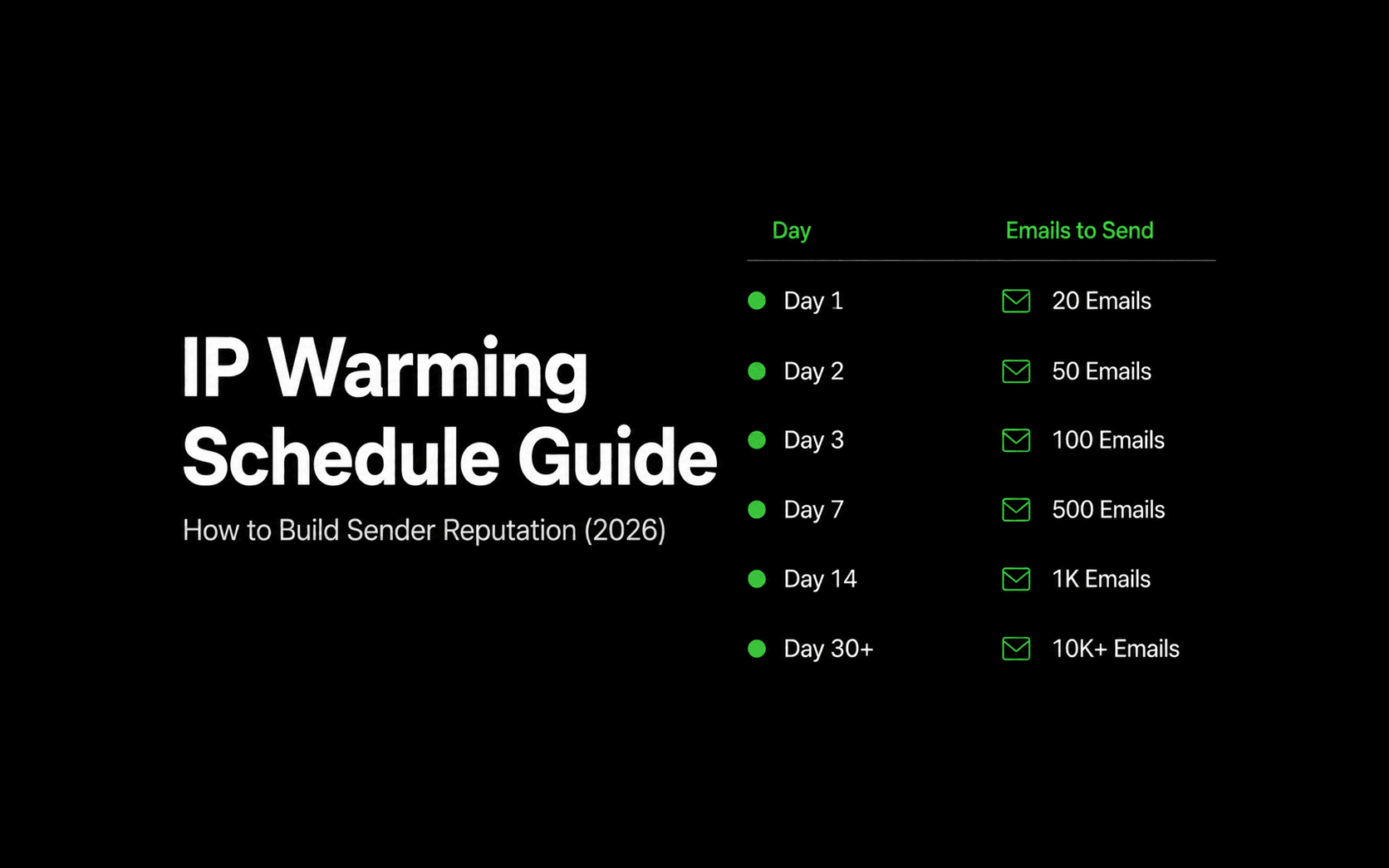
IP warm-up is the disciplined process of gradually ramping up sending volume over 4 to 6 weeks to establish positive, trusted reputation signals with major mailbox algorithms.
Whether you are configuring a dedicated IP on Reloop Cloud or deploying self-hosted Reloop on your own VPS or bare metal, this guide provides the exact week-by-week volume schedules, recipient segmentation techniques, and diagnostic tools required to warm your sending IPs safely.
Shared pools vs. dedicated IPs: Who actually needs to warm up?
Before starting, it is essential to understand whether your setup requires manual IP warming:
- Reloop Cloud Shared Pools (No Warm-Up Needed): If you send via standard Reloop Cloud plans, your traffic routes through pre-warmed, continuously monitored shared IP pools with established reputation. You can ship production transactional mail immediately.
- Dedicated Sending IPs (Warm-Up Required): If your organization provisions dedicated IPs for high-volume isolation, enterprise compliance, or self-hosted Reloop deployments, you must execute a structured warm-up schedule before routing 100% of your production traffic.
- Dormant IP Addresses (Re-Warming Required): If a previously warmed dedicated IP sits idle for 30 consecutive days or more, ISPs decay its reputation score back to neutral, requiring a fresh warm-up cycle.
Prerequisites before sending email #1
Warming an IP with broken authentication or dirty recipient lists will permanently destroy the IP's reputation before you finish Week 1. Complete this checklist first:
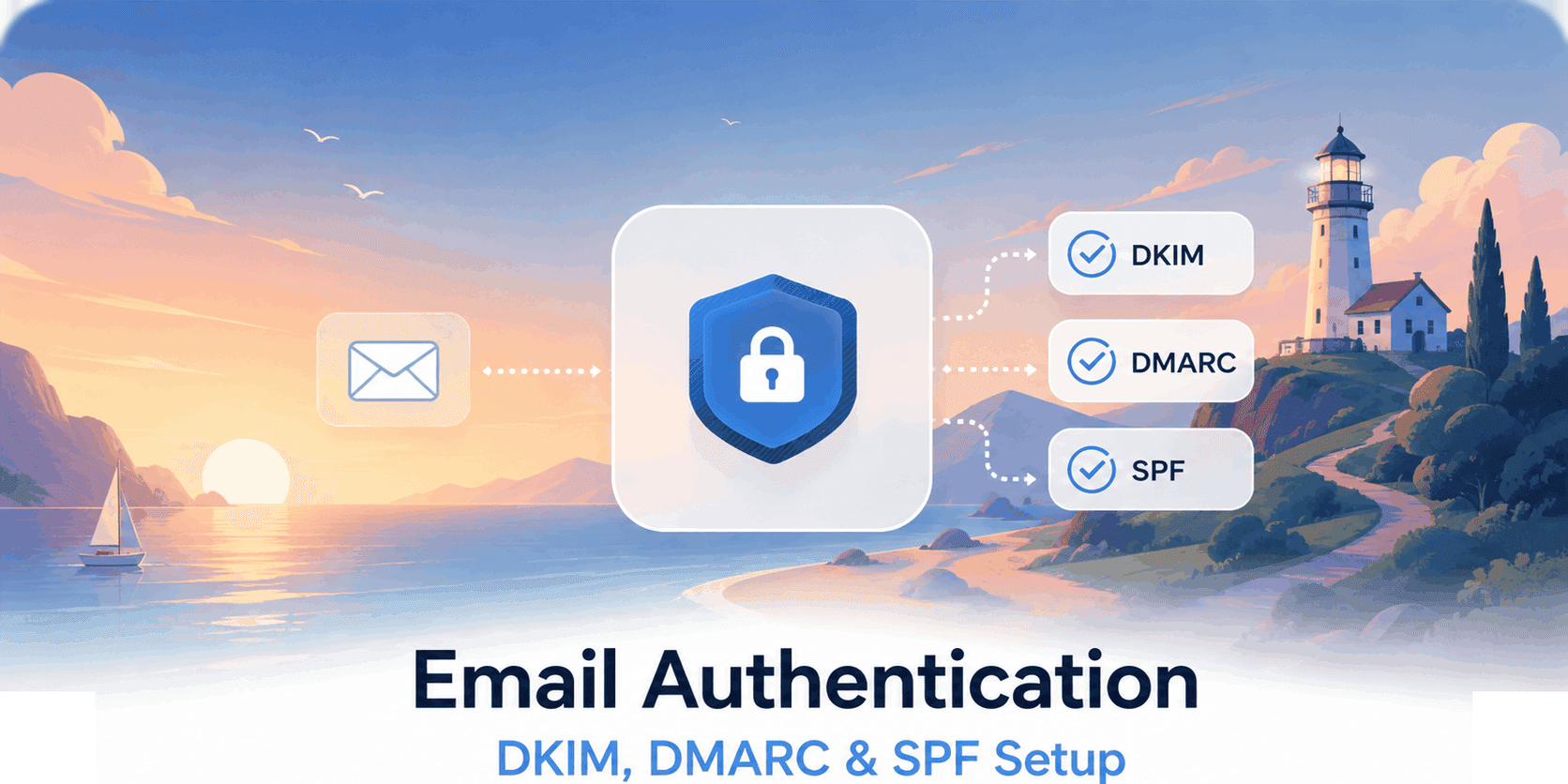
- SPF, DKIM, and DMARC fully validated: Your sending domain must have strict DNS records published with proper identifier alignment. Follow our complete SPF, DKIM, and DMARC setup guide.
- Reverse DNS (rDNS / PTR Record) configured: The PTR record of your sending IP must match your sending hostname (e.g.
mail.yourdomain.com), and that hostname must resolve back to the IP (Forward-Confirmed reverse DNS). - Clean suppression lists: Ensure your suppression database contains zero historical hard bounces or spam complaints (see email bounce processing automation).
- Domain age over 30 days: Brand-new domain names registered within the last 30 days carry an elevated risk profile in spam filter heuristics.
- One-Click Unsubscribe headers configured: Ensure all non-essential notifications include
List-UnsubscribeandList-Unsubscribe-Postheaders per RFC 8058.
The 6-week IP warming schedule
The following schedule outlines conservative daily volume targets per sending IP address across all destination mailbox providers.
Per-ISP daily volume distribution
Major mailbox providers evaluate IP reputation independently. When warming an IP, distribute your daily volume evenly across destination domains:
451 rate-limit deferrals during early ramp-up.If you send 2,000 emails in a single day but all 2,000 hit Gmail at once, Gmail's inbound filters will trigger rate limits even if your overall server volume appears moderate.
Recipient segmentation: The secret to accelerating IP trust
Volume alone does not build reputation. Positive recipient engagement is what signals to ISPs that your emails are legitimate and wanted.
Mailbox algorithms treat user interactions as mathematical multipliers:
- Positive Signals (+): Opening messages, clicking links, moving emails from Spam to Inbox ("Not Spam"), and adding the sender to address books.
- Negative Signals (-): Marking messages as Spam, deleting without opening, and hard bouncing.
Never send re-engagement campaigns or cold outreach during an IP warm-up window. Reserve the warm-up period exclusively for your highest-intent, most active users.
Critical deliverability metrics & red flags
Throughout the warm-up cycle, monitor your delivery logs inside Reloop Analytics and watch for these hard thresholds:
1. Spam Complaint Rate (Threshold: < 0.10%)
- Google & Yahoo Warning Threshold: 0.10% (1 complaint per 1,000 delivered emails).
- Hard Penalty Threshold: 0.30% (3 complaints per 1,000 delivered emails).
- Action: If complaints exceed 0.10%, pause volume increases immediately and audit your recipient targeting.
2. Hard Bounce Rate (Threshold: < 2.0%)
- Healthy Baseline: Strictly below 1.0%.
- Warning Level: 2.0% – 5.0%.
- Critical Failure: Above 5.0%.
- Action: Hard bounces indicate stale, invalid, or disposable email data. Reloop automatically suppresses hard-bounced addresses so they are never retried, protecting your domain and IP reputation. To eliminate bounce spikes before sending, verify that incoming signups are valid and not temporary throwaway addresses using our free Email Validator tool (and review our guide on why emails land in spam and how to fix it).
3. SMTP Deferral Codes (421 and 451)
421 4.7.0 [IP] Deferred - Connection rate limit exceeded: The receiving ISP is asking your server to slow down.451 4.7.650 Deferred - Service temporarily unavailable: Typical Microsoft rate-limiting during early warm-up.- Action: Reloop's KumoMTA sending engine automatically manages backoff queues using intelligent retry logic so deferred emails are retried without dropping packets (see how we built our queue engine with BullMQ).
How Reloop simplifies deliverability management
Reloop combines high-performance MTA engineering with modern developer ergonomics:
1import { Reloop } from "@reloop/sdk";2
3const reloop = new Reloop({4  apiKey: process.env.RELOOP_API_KEY,5});6
7// Dispatch transactional notification with structured metadata8const response = await reloop.emails.send({9  from: "Reloop Security <security@yourdomain.com>",10  to: "user@example.com",11  subject: "Your login verification code",12  html: "<p>Your security code is <strong>888888</strong>.</p>",13  headers: {14    "X-Entity-Ref-ID": "auth-otp-92841",15  },16});
Reloop's built-in deliverability architecture:
- Automated Cryptographic Signing: Dedicated RSA-2048 DKIM key generation signed at line-rate via KumoMTA.
- Intelligent Queue Management: Outbound queues powered by BullMQ handle backoff retries when destination ISPs return temporary
4xxdeferrals. - Real-Time Event Stream: Webhooks dispatch immediate
delivered,opened,clicked,bounced, andcomplainedpayloads to your backend (explore webhook features). - Automated Suppression Protection: Hard bounces and spam complaints are instantly isolated to protect your sending IP from repeated reputation penalties.
- AI Agent Inbox Support: Dedicated routing and Model Context Protocol (MCP) integrations for autonomous agent workflows (see email infrastructure for AI agents and the AI agent inbox use case).
What to do if an ISP throttles your warm-up
If you encounter deliverability issues during warm-up, follow this 4-step recovery protocol:
- Do not increase volume: Freeze daily send volume at the current tier or drop back to the previous week's volume.
- Audit Google Postmaster Tools: Check Google Postmaster Tools for sudden drops in Domain or IP Reputation and inspect the authentication success tab.
- Inspect DNSBL Blacklists: Query your sending IP on MXToolbox Blacklist Check to ensure the IP hasn't been listed on Spamhaus or Barracuda.
- Isolate transactional streams: Ensure your marketing updates are strictly isolated from mission-critical authentication mail (see transactional email best practices).
Once metrics stabilize for 5 to 7 consecutive days, resume the volume schedule.
Where to go from here
- SPF, DKIM, and DMARC Complete Setup Guide: Publish and verify the three essential authentication records.
- Why Emails Land in Spam & How to Fix It: A complete diagnostic checklist for ISP-specific delivery failures.
- Self-Host Reloop for $5/Month: Deploy production-ready email infrastructure on Fly.io, Coolify, or your own VPS.
- Why We Open-Sourced Our Email Infrastructure: The architectural vision and philosophy behind Reloop.
Read more

Why Your Emails Land In Spam & How to Fix It
The definitive guide to diagnosing and fixing email spam folder placement, covering authentication, content, reputation, list hygiene, and ISP-specific issues.
SPF, DKIM, and DMARC: The Complete Setup Guide (2026)
A thorough, practical guide to configuring SPF, DKIM, and DMARC for your sending domain with exact DNS records, common mistakes, and a step-by-step verification checklist.

Why We Open-Sourced Our Email Infrastructure
The story behind Reloop: why we built an open-source alternative to SendGrid, Resend, and Mailgun, why email infrastructure is too critical to rent forever, and what we're changing.
The Hidden Costs of Disposable Emails (And How Blocking Them Saves You Thousands)
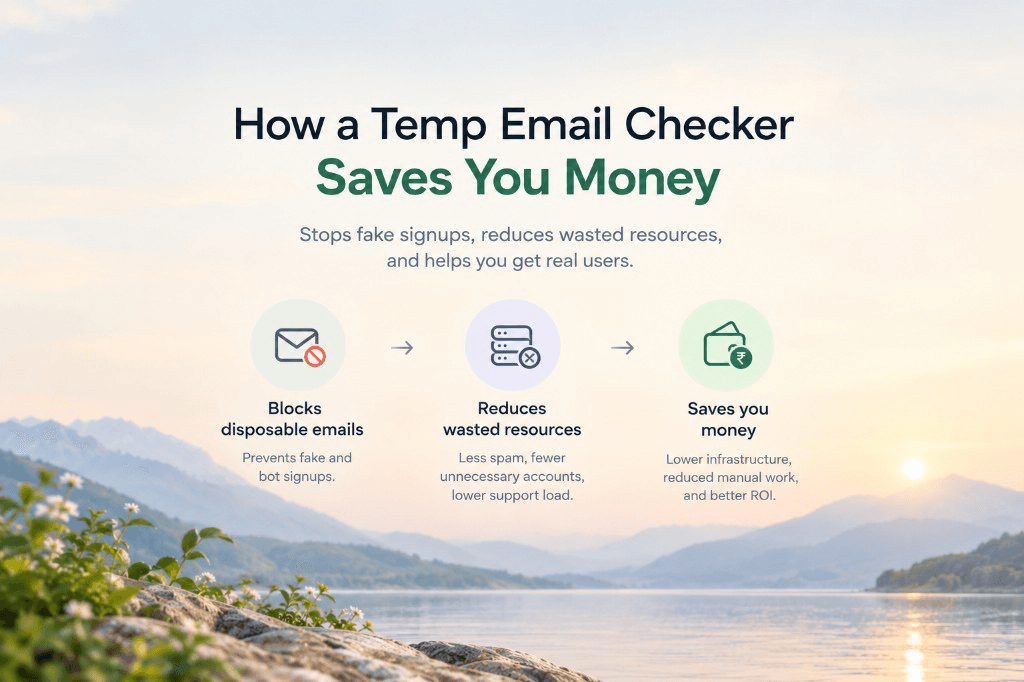
From CRM contact-tier inflation to free-trial credit farming and burned domain reputation, here is the real cost of disposable emails and how a free temp email checker saves thousands.
Ship your first email with Reloop in minutes
Open-source, deliverability-focused, and yours to self-host or run on Reloop Cloud. No lock-in, no rewrite later.