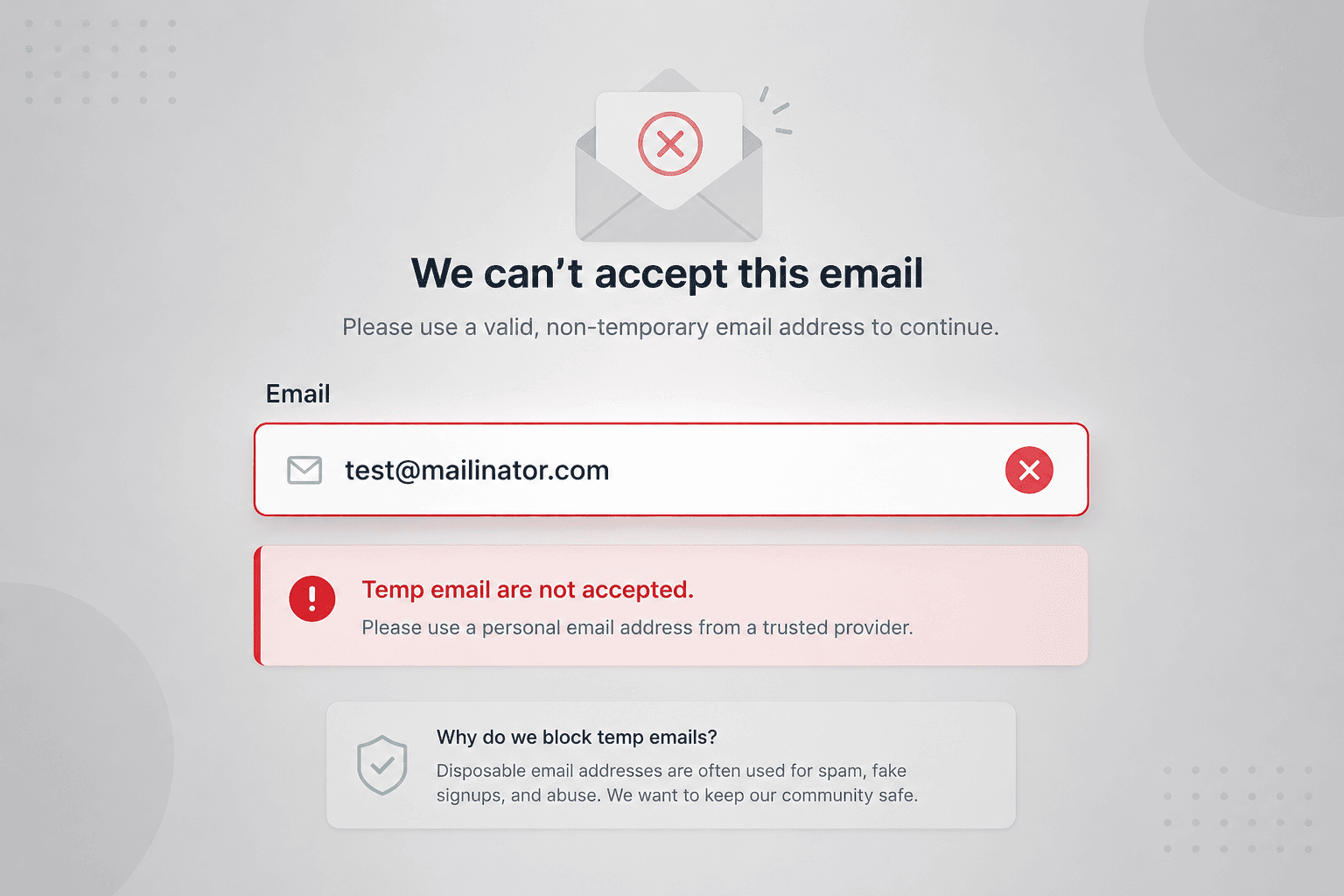
In this guide, you'll learn what disposable emails are, why they matter, and how you can quickly check if an email is disposable.
Every day, millions of users sign up for websites using temporary email addresses. While these emails help protect privacy, they can also create problems for businesses.
If you run a SaaS product, e-commerce store, newsletter, or online community, disposable email addresses can lead to fake accounts, spam, coupon abuse, and inaccurate analytics.
In this guide, you'll learn what disposable emails are, why they matter, and how you can quickly check if an email is disposable.
What Is a Disposable Email?
A disposable email (also called a temporary email or temp mail) is an email address that exists for a short time. Users create these addresses to receive emails without using their personal inbox. Most disposable email services delete emails automatically after a few minutes or hours.
People commonly use disposable emails to:
- Protect their personal email address
- Avoid spam and promotional emails
- Test applications
- Access free downloads without sharing their main inbox
While these are valid use cases, disposable emails can also be misused to create fake accounts.
Why Businesses Should Check Disposable Emails
Not every temporary email is harmful, but many businesses choose to detect them to improve data quality and prevent abuse.
Here are the most common reasons.
1. Prevent Fake Registrations
Users can create multiple accounts using different temporary email addresses. This inflates your user numbers without adding real customers.
2. Stop Free Trial Abuse
If your product offers a free trial, users can repeatedly sign up with disposable emails to avoid paying for your service.
3. Reduce Coupon Abuse
Many online stores offer discounts for new customers. Disposable emails make it easy to claim the same offer multiple times.
4. Improve Email Deliverability
Marketing emails sent to temporary inboxes often bounce or are never opened, affecting your sender reputation.
5. Keep Analytics Clean
Fake accounts can distort important metrics such as:
- Active users
- Conversion rate
- Customer retention
- Marketing performance
Accurate data leads to better business decisions.
How to Check if an Email Is Disposable
There are several ways to identify temporary email addresses.
Method 1: Use a Free Disposable Email Checker (Recommended)
The easiest and fastest method is to use an online disposable email checker.
Simply enter an email address, and the tool checks whether the domain belongs to a known temporary email provider.
If you're looking for a free solution, try the Reloop Temp Email Checker.
It instantly tells you whether an email address is disposable, making it easy to detect fake signups before they enter your system.
Example:
john@gmail.com✅ Personal emailuser@mailinator.com❌ Disposable emaildemo@tempmail.com❌ Disposable email
Method 2: Check the Email Domain
Many temporary email services use publicly known domains.
Examples include:
- mailinator.com
- guerrillamail.com
- yopmail.com
- 10minutemail.com
- tempmail.com
If an email belongs to one of these domains, it is likely disposable.
However, this method requires maintaining an updated list because new temporary email providers appear regularly.
Method 3: Detect Disposable Emails Programmatically (API / Code)
If your website accepts user registrations, checking every email manually isn't practical.
Instead, integrate disposable email detection into your signup process to automatically flag temporary email addresses before accounts are created.
The Reloop Temp Email Checker is a thin wrapper over one public endpoint. POST an address to https://reloop.sh/api/tools/v1/temp-email-checker with no API key and no account.
1curl -X POST https://reloop.sh/api/tools/v1/temp-email-checker \2 -H "Content-Type: application/json" \3 -d '{"email": "you@mailinator.com"}'A throwaway mailbox comes back with "verdict": "disposable" and "isDisposable": true:
1{2 "input": "you@mailinator.com",3 "kind": "email",4 "domain": "mailinator.com",5 "verdict": "disposable",6 "isValidSyntax": true,7 "isDisposable": true,8 "disposableMatch": {9 "kind": "exact",10 "domain": "mailinator.com"11 },12 "isAllowlisted": false,13 "isRoleAddress": false,14 "isFreeProvider": false,15 "signals": {16 "syntax": "pass",17 "disposable": "fail",18 "role": "pass",19 "freeProvider": "pass"20 }21}Reject or flag the signup when isDisposable is true. The endpoint is rate limited per IP, so keep it to signup-time checks rather than bulk list scrubbing.
This saves time and helps prevent abuse from the start.
Need more than disposable detection? Use Reloop's free email validator to check syntax, role addresses, live MX records, and clean CSV lists (up to 1,000) in one pass.
Why We Built the Reloop Temp Email Checker
At Reloop, we build simple and useful developer tools that solve real-world problems.
Our Temp Email Checker was created to help developers, SaaS founders, and businesses quickly identify disposable email addresses without maintaining large domain lists.
Whether youre validating a single email or checking addresses before user registration, the tool provides instant results.
You can try it here: Reloop Temp Email Checker.
You can also explore more free developer tools on our website: Reloop.
When Should You Block Disposable Emails?
Blocking temporary emails isn't always necessary.
Consider Blocking Them If:
- You offer free trials
- You run a paid SaaS product
- You provide welcome discounts
- You want high-quality customer data
- You need verified users
Consider Allowing Them If:
- Privacy is important for your audience
- Users submit anonymous feedback
- Registration isn't required
- Your service is completely free
Choose the approach that best matches your product and users.
Best Practices for Email Validation
Checking for disposable emails works best when combined with other validation methods.
We recommend:
- Validate email format.
- Detect disposable email domains.
- Verify ownership with email confirmation.
- Add CAPTCHA to signup forms.
- Monitor suspicious signup activity.
- Limit repeated registrations from the same IP address.
Using multiple layers of protection significantly reduces fake registrations.
Frequently Asked Questions
Are Disposable Emails Legal?
Yes. Temporary email services are legal and are widely used to protect personal privacy.
Can Disposable Emails Receive Verification Emails?
Yes. Most temporary email providers can receive verification emails immediately after the address is created.
Should Every Website Block Disposable Emails?
Not necessarily.
Some websites benefit from anonymous access, while others require verified users. The decision depends on your business goals.
Can Disposable Email Lists Become Outdated?
Yes. New temporary email domains are created frequently, which is why regularly updated detection tools are much more reliable than static blocklists.
Final Thoughts
Disposable email addresses are useful for protecting user privacy, but they can also be used to create fake accounts, abuse free trials, and reduce the quality of your customer data.
By checking email addresses during registration, you can improve security, keep your database clean, and make better business decisions.
If you need a quick and free way to verify an email address, try the Reloop Temp Email Checker.
For full list cleaning (syntax + disposable + MX), use the free Email Validator.
Looking for more developer tools?
Visit Reloop
Read more
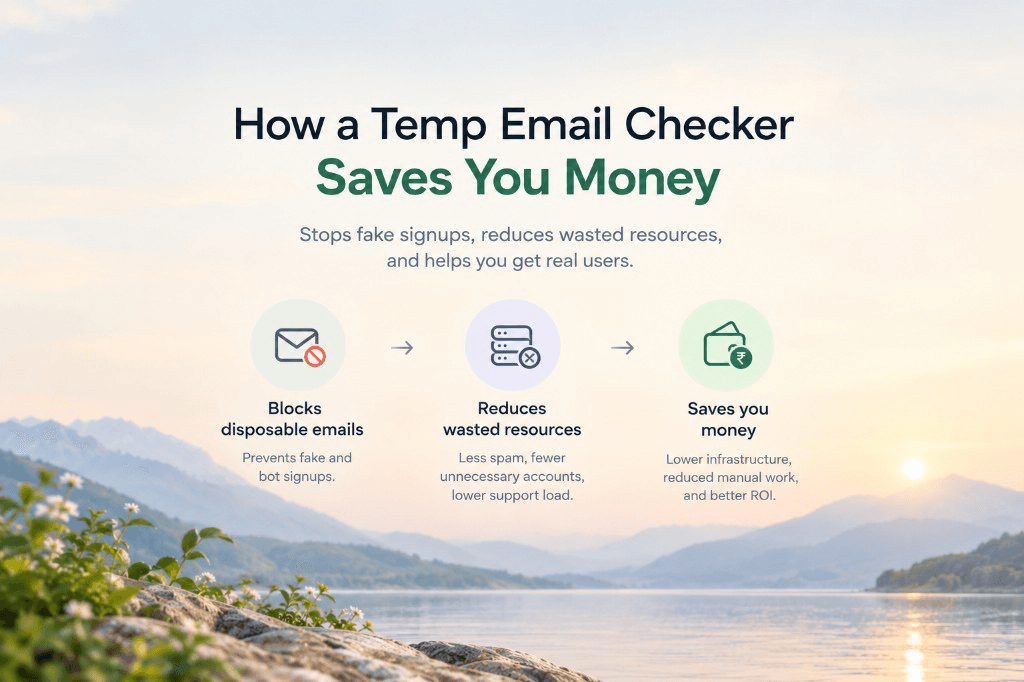
The Hidden Costs of Disposable Emails (And How Blocking Them Saves You Thousands)
From CRM contact-tier inflation to free-trial credit farming and burned domain reputation, here is the real cost of disposable emails and how a free temp email checker saves thousands.
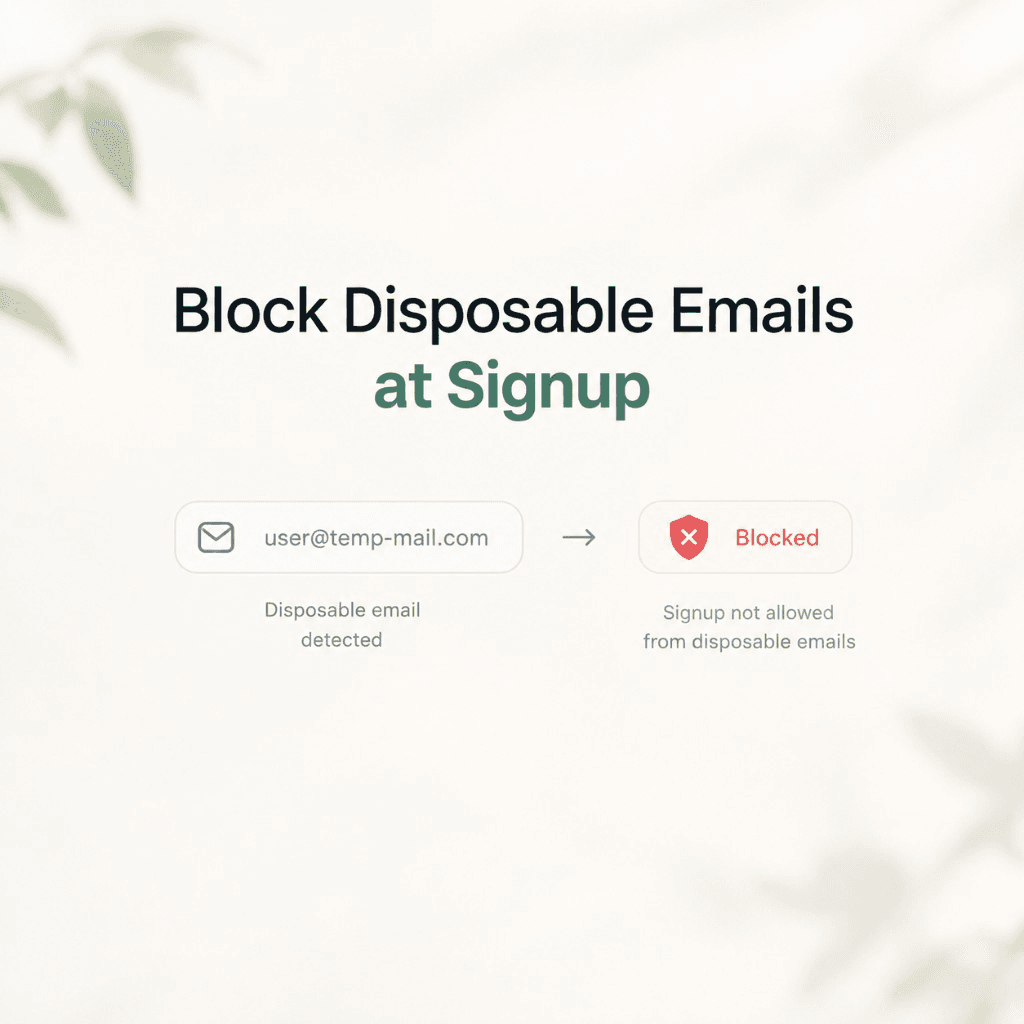
How to Block Disposable Emails at Signup (Free Temp Email Checker)
Stop throwaway signups before they bounce, burn free trials, and tank sender reputation. Use Reloop's free temp email checker: ~210k disposable domains, no SMTP probing.

Why Your Emails Land In Spam & How to Fix It
The definitive guide to diagnosing and fixing email spam folder placement, covering authentication, content, reputation, list hygiene, and ISP-specific issues.
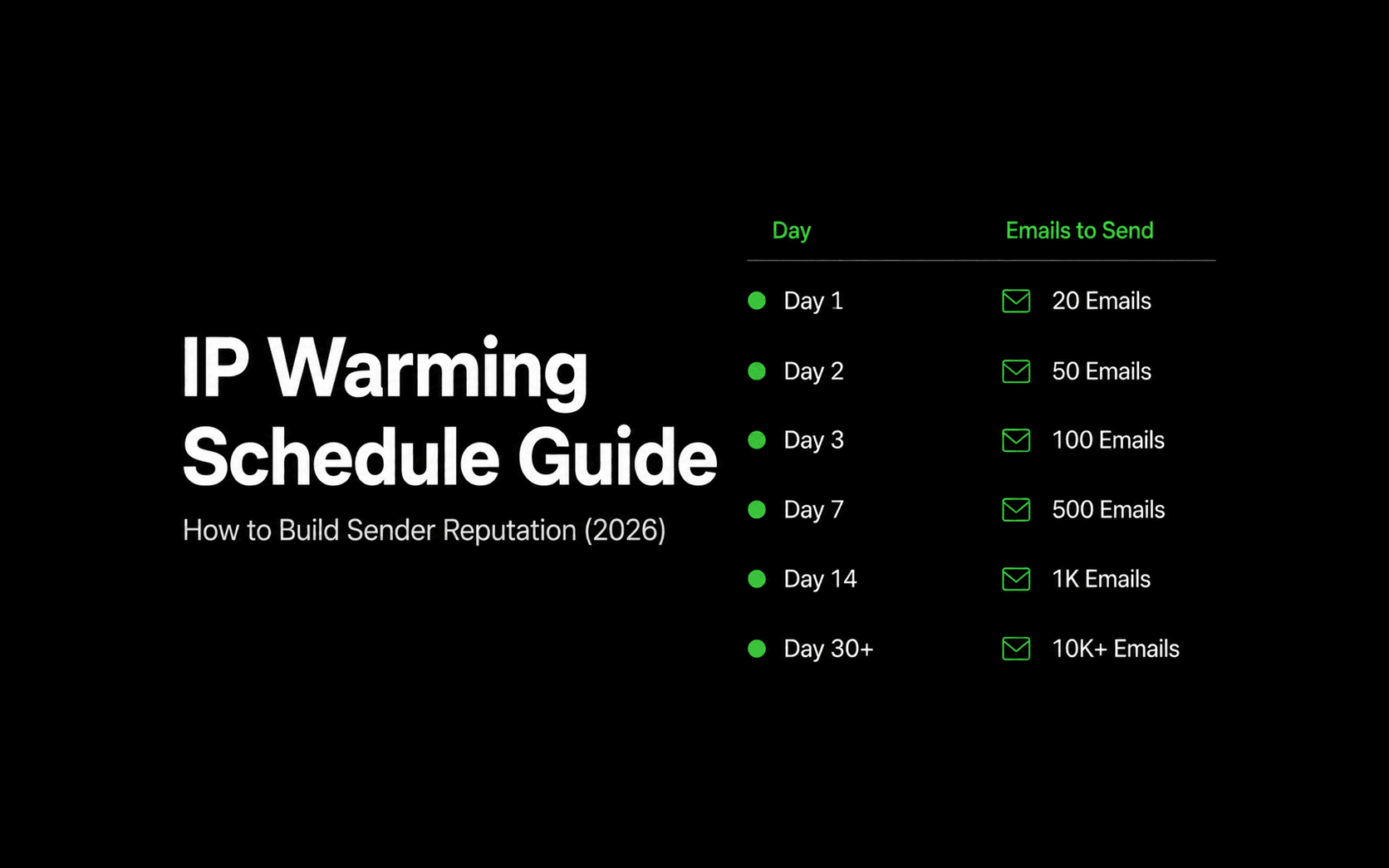
IP Warming Schedule Guide: How to Build Sender Reputation (2026)
A comprehensive, practical guide to warming new sending IP addresses, with an exact week-by-week volume ramp schedule, recipient segmentation strategy, throttle limits, and deliverability monitoring.
Ship your first email with Reloop in minutes
Open-source, deliverability-focused, and yours to self-host or run on Reloop Cloud. No lock-in, no rewrite later.